
 ZeeroGPT
Loading...
ZeeroGPTLoading...
Quickly parse CSV string lists and convert them to formatted JSON array structures. Fast, client-side execution, private, and 100% free character/image generator tool.
CSV and JSON are two of the most commonly used data formats in software development, data management, and web applications. CSV files are simple and easy to store, but JSON is often preferred for APIs, applications, and modern data exchange because it provides a structured format.
The ZeeroGPT CSV to JSON Converter helps you transform CSV files into clean JSON format quickly and accurately. Instead of manually converting rows and columns, this tool automatically maps CSV data into JSON objects, saving time and reducing formatting errors. CSV-to-JSON conversion typically transforms each CSV row into a JSON object, where column headers become object keys.
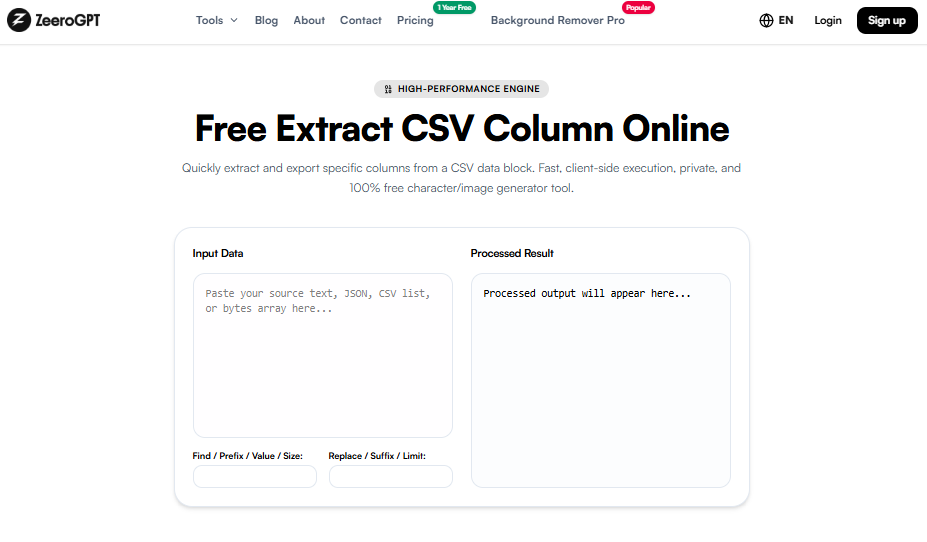
CSV (Comma-Separated Values) stores information in a table format with rows and columns. JSON (JavaScript Object Notation) stores data in a structured object-based format that is widely used in APIs and web applications.
Name,Age,Country
John,25,USA
Alice,30,Canada
[
  {
    "Name": "John",
    "Age": 25,
    "Country": "USA"
  },
  {
    "Name": "Alice",
    "Age": 30,
    "Country": "Canada"
  }
]
During conversion, the first row usually becomes the JSON property names, and each following row becomes an individual JSON object.
Many applications work better with JSON because it is easier for machines and APIs to read. Converting CSV files into JSON helps developers and businesses use data more efficiently:
Follow these simple steps:
ID,Product,Price
101,Laptop,800
102,Phone,500
103,Tablet,300
[
  {
    "ID": "101",
    "Product": "Laptop",
    "Price": "800"
  },
  {
    "ID": "102",
    "Product": "Phone",
    "Price": "500"
  },
  {
    "ID": "103",
    "Product": "Tablet",
    "Price": "300"
  }
]
Each CSV row becomes a separate JSON object, making the data easier to use in applications and APIs.
Manually converting CSV files into JSON requires writing custom scripts or editing data manually. This can be difficult, especially with large datasets. Using ZeeroGPT helps you save development time, avoid formatting mistakes, convert large datasets quickly, prepare data for APIs, simplify data migration, and improve workflow efficiency.
| CSV | JSON |
|---|---|
| Table-based format | Object-based format |
| Uses rows and columns | Uses key-value pairs |
| Simple for spreadsheets | Better for applications |
| Limited structure | Supports nested data |
| Easy for storing tabular data | Ideal for APIs and web services |
This tool is useful for web developers, software engineers, data analysts, database administrators, students, researchers, business professionals, and API developers. Anyone working with structured data can benefit from converting CSV files into JSON.
ZeeroGPT provides simple and powerful online tools that help users complete technical tasks quickly. Advantages include fast conversion, simple interface, accurate output, no installation required, beginner-friendly experience, and cross-device compatibility.
Converting CSV files into JSON format makes data easier to use in modern applications, APIs, and software systems. The ZeeroGPT CSV to JSON Converter provides a fast and simple way to transform your tabular data into structured JSON without manual coding. Whether you are a developer preparing API data, a business managing reports, or a student learning data formats, this tool helps you convert CSV files into JSON quickly and accurately.