
 ZeeroGPT
Loading...
ZeeroGPTLoading...
Quickly convert raw CSV fields into space-aligned columns for readouts. Fast, client-side execution, private, and 100% free character/image generator tool.
CSV files are one of the most commonly used formats for storing and sharing structured data. They are widely used in spreadsheets, databases, analytics platforms, and software applications. However, raw CSV data can sometimes be difficult to read, especially when working with large datasets or displaying information in plain text formats.
The ZeeroGPT CSV to Text Columns tool helps you convert CSV data into neatly aligned text columns instantly. Instead of viewing data separated by commas or other delimiters, you can transform it into a clean, readable column format that is easier to understand and share. CSV-to-text column conversion is commonly used to create human-readable tables for documents, reports, terminal outputs, and plain-text files.
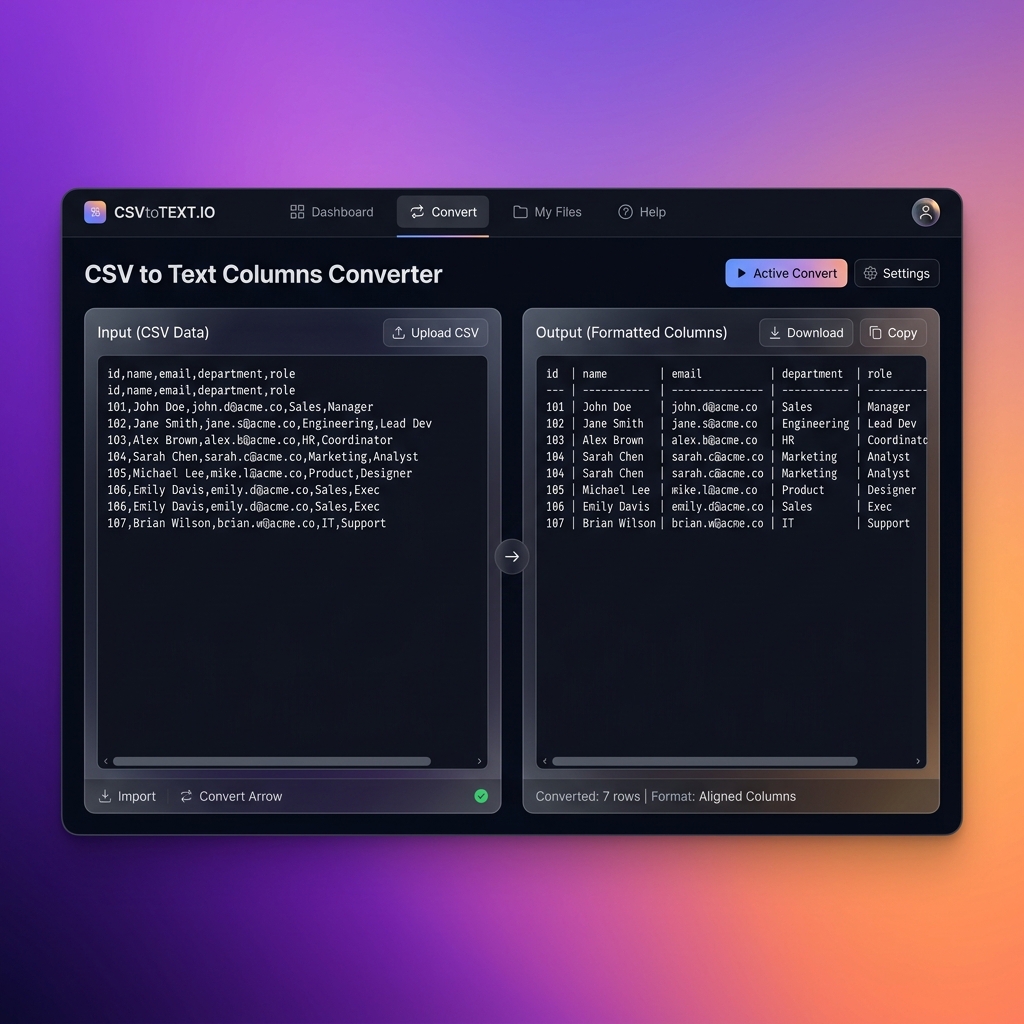
A CSV to Text Columns Converter is an online tool that converts comma-separated data into organized text columns. It reads the rows and columns from a CSV file and formats them into aligned plain text.
Name,Age,Country
John,25,USA
Alice,30,Canada
David,28,UK
Name     Age     Country
John     25      USA
Alice    30      Canada
David    28      UK
This format makes data easier to read without requiring spreadsheet software.
CSV files are excellent for machines and applications, but they are not always ideal for human reading. Converting CSV data into text columns provides several benefits:
Follow these simple steps:
Product,Category,Price
Laptop,Electronics,800
Phone,Mobile,500
Tablet,Electronics,300
Product     Category       Price
Laptop      Electronics    800
Phone       Mobile         500
Tablet      Electronics    300
The converted format is easier to read and share.
Manually formatting CSV data into aligned columns can take a lot of time, especially for large datasets. An online converter automatically handles spacing and structure. Benefits include saving time, generating clean text outputs, reducing formatting efforts, improving data presentation, helping prepare reports, and making CSV information easier to understand.
| CSV Format | Text Columns Format |
|---|---|
| Designed for data storage | Designed for human readability |
| Uses separators | Uses spacing/alignment |
| Best for software systems | Best for documents and reports |
| Requires parsing | Easy to read directly |
This tool is useful for developers, data analysts, students, researchers, business professionals, database users, technical writers, and spreadsheet users. Anyone working with CSV data can use it to create a cleaner text representation.
ZeeroGPT provides simple and efficient online tools designed to make data-related tasks easier. Advantages include fast conversion, easy interface, accurate formatting, no software installation, cross-device compatibility, and a beginner-friendly experience.
CSV files are perfect for storing structured information, but they are not always easy for people to read directly. The ZeeroGPT CSV to Text Columns tool makes data presentation simpler by converting raw CSV files into clean, organized text columns. Whether you need to prepare documentation, create reports, review datasets, or display information clearly, this tool helps transform CSV data into a readable format quickly and efficiently.