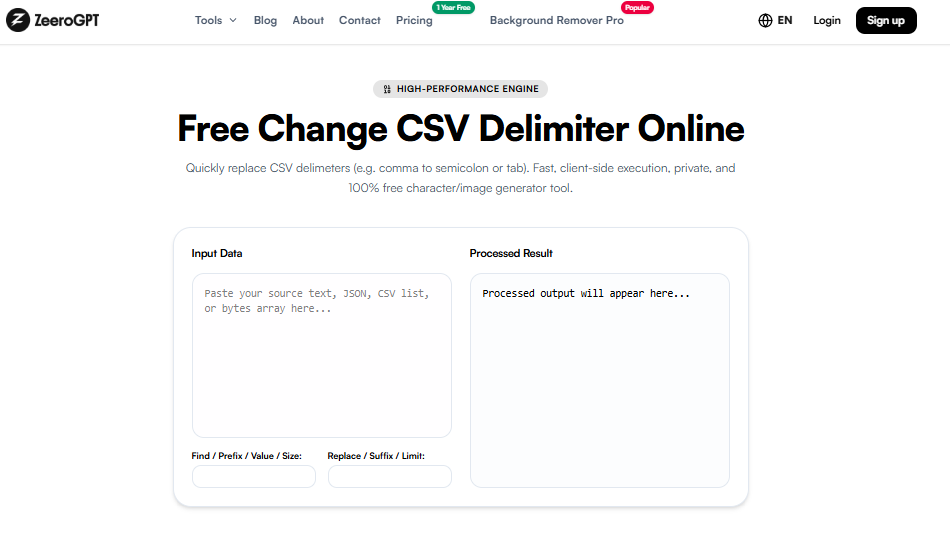
Quickly extract and export specific columns from a CSV data block. Fast, client-side execution, private, and 100% free character/image generator tool.
Processed output will appear here...
Extract CSV Column Online: Easily Extract Specific Data from CSV Files with ZeeroGPT
CSV files are widely used for storing structured information such as customer records, product details, sales reports, employee data, and analytics datasets. However, large CSV files often contain many columns, and finding or extracting only the required information manually can be time-consuming.
The ZeeroGPT Extract CSV Column tool makes this process simple by allowing users to select and extract specific columns from a CSV file instantly. Instead of opening large spreadsheets and manually copying data, you can quickly isolate the columns you need and use them for reporting, analysis, or further processing. CSV column extraction helps users keep only important fields while removing unnecessary data from large datasets.
What Is a CSV Column Extractor?
A CSV Column Extractor is an online tool that allows users to select specific columns from a CSV file and create a new output containing only the required information.
Only the required information is extracted while the remaining data is removed.
Benefits of Using ZeeroGPT Extract CSV Column Tool
Extracting CSV columns manually can become difficult when working with thousands of rows. An online CSV extraction tool saves time and reduces errors. Benefits include:
Saves manual effort and reduces spreadsheet work.
Quickly isolates important information from noise.
Improves data preparation and helps organize datasets.
Makes reporting much easier for team collaborations.
Common Uses of CSV Column Extraction
Data Analysis: Analysts often extract specific fields before performing calculations or creating reports.
Marketing Campaigns: Marketing teams can extract email addresses, customer names, or contact details from large databases.
Business Operations: Companies can separate product, sales, and customer information for different teams.
Software Development: Developers can extract required fields while preparing data for applications and APIs.
Research Projects: Researchers can isolate specific datasets for analysis.
Who Can Use the Extract CSV Column Tool?
This tool is useful for data analysts, developers, students, researchers, business professionals, database administrators, marketers, and spreadsheet users. Anyone working with CSV files can benefit from quickly extracting only the required information.
Extract CSV Column vs Manual Spreadsheet Editing
Manually extracting columns using spreadsheet software requires opening large files, searching for columns, selecting data, copying information, and removing unnecessary fields. For large datasets, this process can take significant time. A CSV column extractor provides a faster and cleaner way to isolate required information without unnecessary steps.
Tips for Extracting CSV Columns Correctly
Check column names before extraction.
Keep a backup of important CSV files.
Verify extracted data after processing.
Use clear column headers.
Avoid unnecessary columns when preparing datasets.
Why Choose ZeeroGPT Extract CSV Column Tool?
ZeeroGPT offers simple online tools designed to make everyday data tasks easier. Advantages include:
Easy-to-use interface with fast CSV processing.
Accurate extraction without software installation.
Works across all devices (desktop, tablet, mobile).
Suitable for both beginners and professionals.
Frequently Asked Questions (FAQ)
Final Thoughts
Managing large CSV files becomes much easier when you can quickly extract only the information you need. The ZeeroGPT Extract CSV Column tool provides a fast, simple, and efficient way to separate important data from complex datasets. Whether you need customer emails, product information, analytics data, or specific database fields, this tool helps you extract CSV columns accurately without spending time on manual editing.

 ZeeroGPT