
 ZeeroGPT
Loading...
ZeeroGPTLoading...
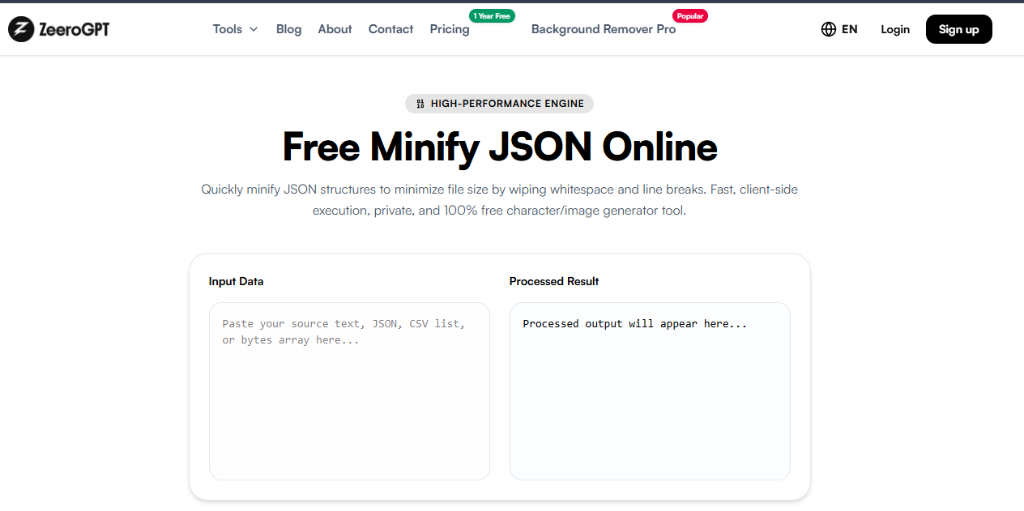
Quickly minify JSON structures to minimize file size by wiping whitespace and line breaks. Fast, client-side execution, private, and 100% free character/image generator tool.
If you work with APIs, web applications, configuration files, or software development, you've probably come across JSON countless times. JSON (JavaScript Object Notation) is one of the most widely used formats for storing and exchanging data because it's lightweight, readable, and supported by nearly every programming language.
While formatted JSON is easy for humans to read, it isn't always the best choice when performance and file size matter. That's where JSON minification comes in.
With the ZeeroGPT Minify JSON Tool, you can instantly compress JSON by removing unnecessary spaces, tabs, and line breaks without changing the actual data structure. The result is a smaller, cleaner JSON string that's perfect for production environments, APIs, and data storage.
JSON minification is the process of removing all unnecessary whitespace from a JSON document while keeping every key, value, object, and array exactly the same.
For example:
Original JSON:
Minified JSON:
Both versions contain identical data. The only difference is that the second version occupies less space.
Although formatted JSON improves readability during development, compact JSON offers several advantages in production:
JSON minification is highly beneficial in a wide variety of scenarios:
This tool is designed to assist a wide range of professionals and learners, including Frontend Developers, Backend Developers, API Developers, Mobile Developers, DevOps Engineers, Cloud Engineers, QA Testers, Data Engineers, and students learning JSON structures.
| Pretty JSON | Minified JSON |
|---|---|
| Easy to read | Compact and efficient |
| Ideal for development | Ideal for production |
| Includes indentation | Removes unnecessary spaces |
| Larger file size | Smaller file size |
| Easier debugging | Faster transmission |
Both formats are useful. Developers typically write and debug using formatted JSON, then minify it before deployment.
No. Minification removes only formatting characters like spaces, tabs, line breaks, and extra indentation. It does not alter keys, values, arrays, objects, numbers, booleans, or null values. Your JSON remains functionally identical after minification.
While there are many JSON utilities available online, ZeeroGPT focuses heavily on simplicity, speed, and privacy. Benefits include fast local compression, a clean user-friendly interface, zero software installations, completely client-side browser execution, free unlimited access, and reliable outputs suited for both beginners and seasoned professionals.
JSON is the backbone of modern web applications, APIs, and cloud services. While readable formatting is useful during development, compact JSON is often the better choice for production because it improves performance, reduces bandwidth usage, and saves storage space.
The ZeeroGPT Minify JSON Tool makes the process effortless. Simply paste your formatted JSON, click a button, and receive a compact version that's ready for deployment. Whether you're a beginner learning JSON or an experienced developer optimizing applications, a reliable JSON minifier is an essential part of your workflow.