
 ZeeroGPT
Loading...
ZeeroGPTLoading...
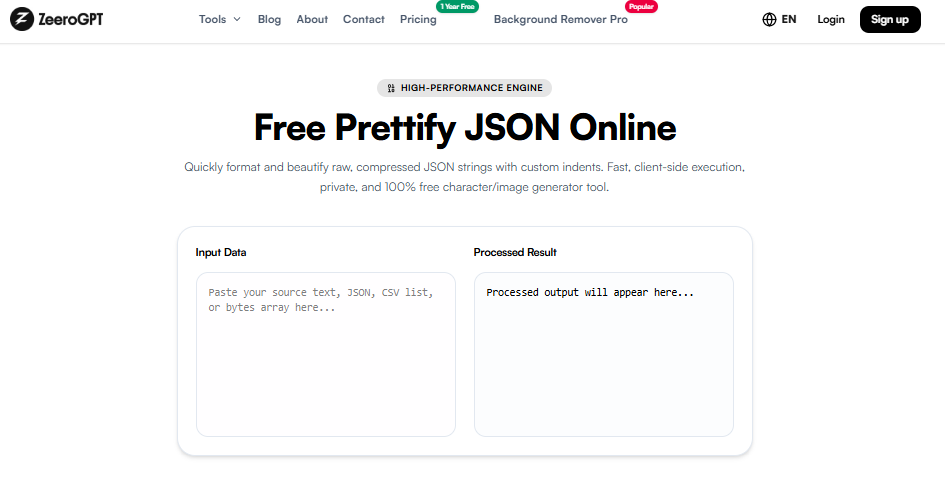
Quickly format and beautify raw, compressed JSON strings with custom indents. Fast, client-side execution, private, and 100% free character/image generator tool.
JSON (JavaScript Object Notation) is one of the most commonly used formats for exchanging and storing data. Developers use JSON for APIs, configuration files, databases, and web applications. However, JSON data is often generated in a compact single-line format that can be difficult to read and understand.
The Prettify JSON tool helps users transform messy, compressed, or minified JSON into a clean and well-structured format. It adds proper indentation, spacing, and line breaks, making JSON easier to read, edit, debug, and share. JSON prettification is also known as JSON beautification or JSON formatting.
JSON stands for JavaScript Object Notation. It is a lightweight data format used for storing and transferring structured information between systems. JSON represents data using objects, arrays, key-value pairs, strings, numbers, booleans, and null values.
Example of compressed JSON data:
Although this format works perfectly for computers, it is difficult for humans to read. A formatted version looks much cleaner:
Prettifying adds structure and improves readability without changing the actual data values.
The Prettify JSON tool is an online JSON formatter that converts compressed or poorly structured JSON into a readable format. It automatically adds indentation, creates proper line breaks, organizes nested objects, improves code readability, and makes JSON easier to debug. Instead of manually adding spaces and arranging brackets, users can format JSON instantly.
JSON formatting is important when working with large datasets, APIs, and configuration files:
Prettifying is commonly used in API development for inspecting responses, web development for transferring data, configuration files (application settings, build setups), data analysis for reviewing datasets, and by students learning programming to understand JSON schemas more easily.
| Feature | Prettify JSON | Minify JSON |
|---|---|---|
| Purpose | Improve readability | Reduce file size |
| Formatting | Adds spaces and line breaks | Removes unnecessary spaces |
| Best For | Development and debugging | Production performance |
| Human Friendly | Yes | No |
Prettified JSON is ideal during development, while minified JSON is often used when reducing data transfer size.
It saves time by avoiding manual formatting, reduces formatting errors such as missing spaces or incorrect indentations, works anywhere from any web browser, and helps developers work faster during coding and testing loops.
JSON is essential for modern web development, APIs, and data exchange, but compressed JSON can be difficult to understand. Proper formatting makes complex structures easier to read, edit, and debug. The Prettify JSON tool provides a simple way to transform unorganized JSON into a clean and readable format. Whether you are a developer, student, analyst, or anyone working with JSON data, this tool helps improve productivity and makes data management easier.