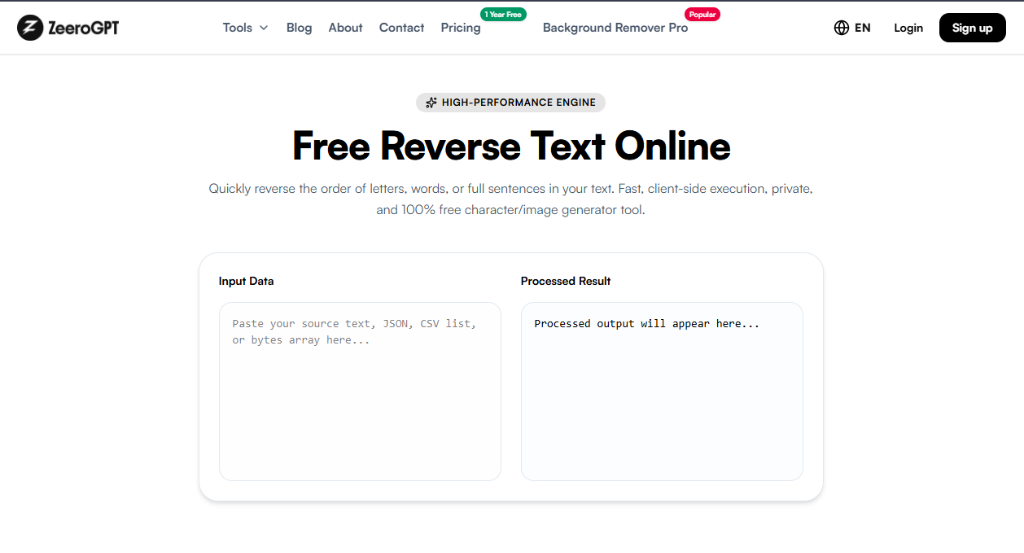
Quickly reverse letters, words, sentences, or line lists in your browser. Fast, secure, and 100% private.
Lines: 0Words: 0Characters: 0
Processed output will appear here...
Lines: 0Words: 0Characters: 0
Status: Waiting for inputMode: character
Reverse Text – Reverse Words, Letters, and Sentences Online Instantly
Sometimes you need to reverse text for coding exercises, word games, puzzles, creative writing, or simply for fun. Manually reversing long strings of text can be slow and error-prone, especially when working with paragraphs or large documents.
The Zeerogpt Reverse Text tool makes it easy to reverse text instantly. Simply paste your text, click a button, and get the reversed version in seconds. Whether you're a developer, student, content creator, or puzzle enthusiast, this free online tool helps you reverse text quickly and accurately.
What Is a Reverse Text Tool?
A Reverse Text tool takes your input and displays it in reverse order. Depending on the tool, it may reverse characters, words, or even entire lines while preserving the original content. Reverse text tools are commonly used for programming practice, creative projects, social media, and educational activities.
Example Input: Hello World
Example Output: dlroW olleH
Why Use a Reverse Text Tool?
Reversing text manually becomes difficult when working with long sentences or documents. A reverse text tool allows you to:
Reverse text instantly
Save time and eliminate manual errors
Create puzzles, games, and riddles
Practice programming concepts and string manipulation algorithms
Generate creative captions or posts for social media
Test local systems and databases with reversed strings
Features of the Zeerogpt Reverse Text Tool
Instant Text Reversal
Reverse any word, sentence, or paragraph within seconds.
Fast Local Processing
Calculations occur inside your browser memory for immediate updates.
User-Friendly Interface
Simply paste your text, select a reversal mode, and copy the result.
Secure & Free
No tracking, no registration, and no server uploads. Your data remains yours.
How to Use the Reverse Text Tool
1
Open the Tool: Load the Zeerogpt Reverse Text tool page.
2
Paste or Type Text: Input your text (e.g., Welcome to Zeerogpt).
3
Select Reversal Mode: Choose to reverse the entire text, word order, line order, or specific character subsets.
4
Copy: The tool reverses the text instantly (e.g., tpgoreeZ ot emocleW). Copy and paste the output.
String Reversal Examples
Example 1
Input: Programming
Output: gnimmargorP
Example 2
Input: Open AI
Output: IA nepO
Example 3
Input: Reverse Text Tool
Output: looT txeT esreveR
Benefits of Using a Reverse Text Tool
Saves Time: Reverse full paragraphs and lists instantly instead of manually editing line by line.
Great for Learning: Excellent sandbox for students learning basic algorithms and data structures.
Improves Productivity: Complete repetitive text transformations in milliseconds.
Supports Creative Projects: Create hidden messages, riddles, puzzles, or attention-grabbing social media copy.
Common Use Cases
Programming Practice
Developers often reverse strings while practicing coding exercises and algorithms.
Word Games & Puzzles
Generate text riddles or clues for quizzes and interactive games.
Social Media Captions
Format unique, creative captions that encourage users to look closer at your posts.
Software Testing & QA
Test how local data systems, APIs, or database records handle reversed text values.
Best Practices
Check your source formatting before performing string reversals.
Ensure you copy the entire reversed block, especially when dealing with long lists.
Use shorter snippets to test coding exercises before running large operations.
Keep a backup of the original text file if you need to restore the text order later.
Who Can Use the Reverse Text Tool?
StudentsTeachersDevelopersWritersBloggersContent CreatorsSocial Media UsersPuzzle CreatorsQA Testers
Why Choose Zeerogpt Reverse Text?
The Zeerogpt Reverse Text tool is designed to be simple, fast, and accessible for everyone. It works entirely within your web browser on both mobile and desktop screens, requiring zero downloads, registration, or subscription details.

 ZeeroGPT