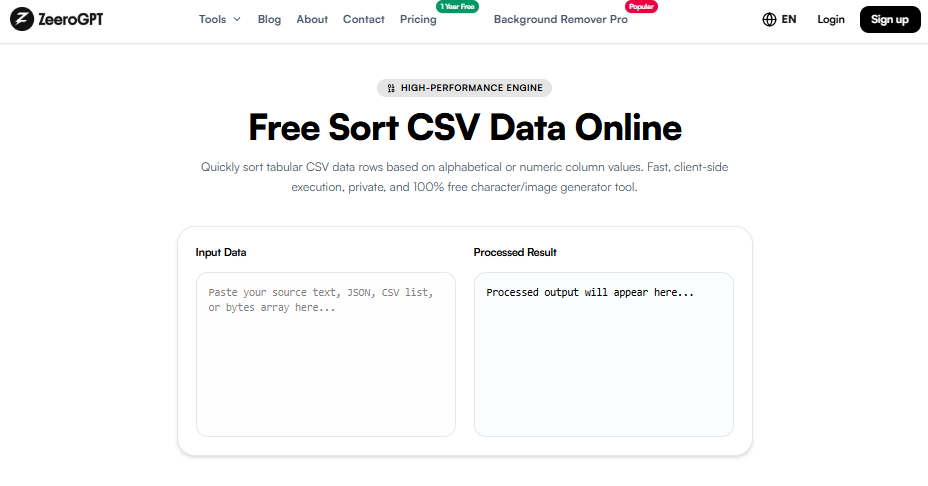
Quickly sort tabular CSV data rows based on alphabetical or numeric column values. Fast, client-side execution, private, and 100% free character/image generator tool.
Processed output will appear here...
Sort CSV Online – Organize CSV Files Quickly and Accurately with ZeeroGPT
CSV (Comma-Separated Values) files are one of the most popular formats for storing and exchanging structured data. Whether you're managing customer information, sales reports, inventory, or analytics, keeping your CSV files organized is essential. Manually sorting large datasets can be time-consuming and prone to errors.
The ZeeroGPT Sort CSV tool makes organizing CSV files simple. Upload your file or paste your CSV data, choose the column and sorting order, and receive a perfectly sorted CSV in seconds. Many modern CSV sorting tools also support sorting by multiple columns, ascending or descending order, and automatic detection of text and numeric values.
What Is a CSV Sort Tool?
A CSV Sort tool rearranges the rows in a CSV file based on the values of one or more selected columns. You can sort data:
Alphabetically (A–Z or Z–A)
Numerically (Smallest to Largest)
By Date
Ascending or Descending
Using Multiple Columns
The tool keeps each row intact while changing only the order of the rows, preserving your dataset's integrity.
Why Use a CSV Sort Tool?
Sorting CSV files helps you:
Find information faster
Organize customer records
Prepare reports
Clean datasets before analysis
Improve data readability
Simplify imports into databases and applications
Instead of manually sorting rows in spreadsheet software, you can complete the task instantly online.
Features of ZeeroGPT Sort CSV
⚡ Fast CSV SortingSort thousands of rows within seconds locally.
⚙️ Multiple Sorting OptionsSort by custom column headers in ascending or descending order.
📂 Supports Large FilesWorks with both small and large CSV datasets.
🔒 Secure ProcessingYour data stays private. Files are processed locally without server upload.
🎁 Free to UseNo registration, subscriptions, or hidden charges required.
📱 Mobile FriendlyWorks smoothly on desktop, tablet, and mobile devices.
How to Sort a CSV File
Using the ZeeroGPT Sort CSV tool is simple:
Open the Sort CSV tool.
Upload your CSV file or paste your CSV data in the input field.
Choose the column header you want to sort by.
Select your preferred sorting order: Ascending (A–Z) or Descending (Z–A).
Click Sort CSV to process.
Download or copy your sorted CSV file directly to your clipboard.
Saves valuable time compared to editing spreadsheets manually.
Eliminates manual sorting errors.
Handles large datasets efficiently right inside the browser.
Maintains row relationships so records do not get mixed up.
Supports both numeric and text-based sorting dynamically.
Improves office and development productivity.
Common Use Cases
The Sort CSV tool is ideal for:
Business Reports: Sort customer lists, invoices, and sales data by date or region.
Data Analysis: Prepare datasets before importing them into analysis tools or BI programs.
Marketing: Organize email marketing lists and lead databases.
Education: Arrange student records and attendance sheets alphabetically.
Inventory Management: Sort products by name, price, or stock levels.
Software Development: Prepare mock CSV files for database imports and unit testing.
Why Choose ZeeroGPT?
ZeeroGPT provides reliable online utilities that are fast, accurate, and easy to use. Benefits include:
Free access without signup caps.
No software installation required.
User-friendly interface that processes data in real-time.
Highly accurate columns and row alignment sorting.
Cross-device compatibility on all operating systems.
Tips for Better CSV Sorting
Ensure your CSV file has consistent column headers.
Remove duplicate or empty rows before sorting if needed.
Choose the correct column for sorting.
Verify numeric fields are formatted consistently without currency symbols or commas.
Save a backup of important datasets before making changes.
Frequently Asked Questions (FAQ)
Final Thoughts
Keeping CSV data organized is essential for efficient data management and analysis. With the ZeeroGPT Sort CSV tool, you can quickly sort your CSV files by any column, arrange data in ascending or descending order, and download the organized results in just a few clicks. Whether you're handling customer records, business reports, inventory, or datasets for analysis, this free online tool saves time, improves accuracy, and simplifies your workflow.

 ZeeroGPT