
 ZeeroGPT
Loading...
ZeeroGPTLoading...
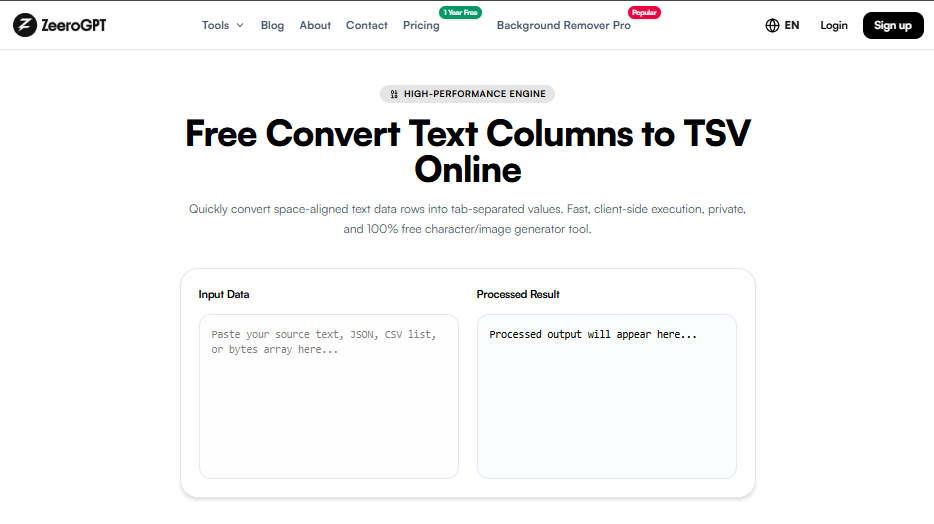
Quickly convert space-aligned text data rows into tab-separated values. Fast, client-side execution, private, and 100% free character/image generator tool.
Organizing raw text data into a structured format is essential for data analysis, spreadsheet management, and database operations. When information is stored as separate text columns, converting it into a TSV (Tab-Separated Values) format makes it easier to transfer, edit, and process across different applications.
The Text Columns to TSV tool helps users quickly convert text-based columns into properly formatted TSV data. Instead of manually adding tabs between columns, users can transform their data into a structured tab-separated format with just a few clicks. TSV files store table data where each field is separated by a tab character, and each record appears on a separate line. They are commonly used for exchanging structured data between spreadsheets, databases, and software applications.
TSV stands for Tab-Separated Values. It is a plain-text data format used to represent information in rows and columns. Each column value is separated using a tab character, while each row is separated by a line break.
TSV is similar to CSV, but instead of commas, it uses tabs to separate values. This makes it useful for handling structured data, especially when text values contain commas.
The Text Columns to TSV tool is an online converter that transforms column-based text data into TSV format automatically. It helps users convert plain text columns, spreadsheet-like data, table information, or structured lists into a clean TSV format. The tool removes the need to manually insert tab spaces between columns, making data preparation faster and easier.
Converting text columns into TSV format provides several advantages for data handling and processing:
This tool is widely used by:
| Feature | TSV | CSV |
|---|---|---|
| Separator | Tab character | Comma |
| File Type | .tsv | .csv |
| Best For | Structured datasets | General data exports |
| Text Handling | Good for comma-heavy text | Requires comma handling |
TSV is often preferred when data contains many commas because tabs provide cleaner separation between fields.
No installation is required since the tool works directly in your browser. It provides faster data formatting and reduces human errors compared to manual tab adding, thus improving workflow efficiency.
Converting text columns into TSV format helps transform unstructured information into organized, machine-readable data. Whether you are working with spreadsheets, databases, research datasets, or business reports, properly formatted TSV files make data management easier. The Text Columns to TSV tool provides a simple and efficient way to convert columns into tab-separated values without manual formatting. It saves time, improves accuracy, and helps users prepare data for their next workflow.