
 ZeeroGPT
Loading...
ZeeroGPTLoading...
Wipe empty paragraphs and break-lines from documents. Fast, client-side execution, private, and 100% free character/image generator tool.
Extra blank lines can make your text look messy, increase document size, and make lists, code, or reports harder to read. They often appear when copying content from PDFs, websites, Word documents, emails, or spreadsheets.
The ZeeroGPT Remove Empty Lines tool helps you remove unwanted blank lines in seconds. Simply paste your text, click a button, and the tool automatically removes empty lines while keeping the remaining content in its original order.
Whether you're a writer, student, developer, marketer, or business professional, this tool helps you create cleaner, more organized text with minimal effort.
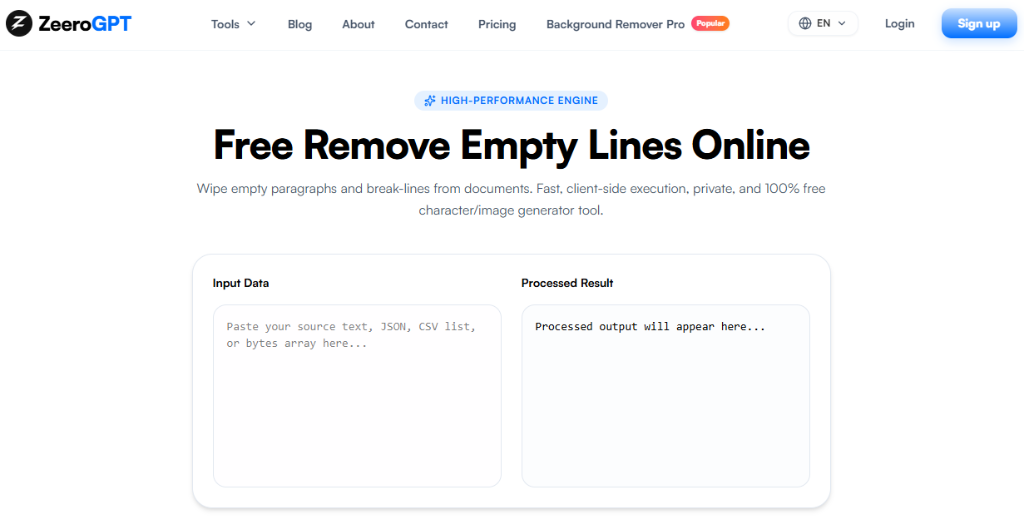
A Remove Empty Lines tool scans your text line by line and deletes blank lines that contain no content. Many tools can also remove lines that appear empty but contain only spaces or tabs, depending on the selected settings.
It's commonly used for cleaning:
Blank lines can make documents unnecessarily long and difficult to scan. Removing empty lines helps you improve readability, organize text, save editing time, reduce unnecessary spacing, prepare cleaner documents, format copied content, and improve data consistency.
A clean document is easier to read, edit, and share.
The ZeeroGPT Remove Empty Lines tool is designed to simplify text formatting with these core benefits:
Apple

Banana


Orange

Mango
Apple
Banana
Orange
Mango
The content stays exactly the same—only the empty lines are removed.
The ZeeroGPT Remove Empty Lines tool is useful for everyone who works with text:
Save time cleaning large amounts of text in seconds, improve readability of your documents, keep your text compact and consistent, and increase productivity by spending less time fixing formatting issues.
Many remove-empty-lines tools process text directly in your browser, allowing fast cleanup without uploading your content to a server.
| Feature | Remove Empty Lines Tool | Manual Editing |
|---|---|---|
| Speed | Removes blank lines instantly | Time-consuming |
| Document Size | Works with large documents | Difficult for lengthy files |
| Safety | Preserves text order | Easy to accidentally delete content |
| Consistency | Improves formatting consistency | Repetitive editing |
| Effort | Saves time and manual effort | Requires manual effort |
ZeeroGPT provides easy-to-use text utilities that help simplify editing and formatting tasks. With the Remove Empty Lines tool, you can remove blank lines instantly, keep your original text intact, improve document readability, clean copied content, organize large text files, and save valuable editing time.
Whether you're preparing a report, editing an article, or cleaning exported data, ZeeroGPT helps you produce cleaner, more professional text.
Unnecessary blank lines can make your documents look cluttered and difficult to navigate. The ZeeroGPT Remove Empty Lines tool gives you a quick and reliable way to clean your text while preserving the content you want to keep.
Instead of deleting blank lines one by one, simply paste your text into the tool and let ZeeroGPT handle the formatting. It's a practical solution for students, writers, developers, marketers, and anyone who wants cleaner, more organized documents.