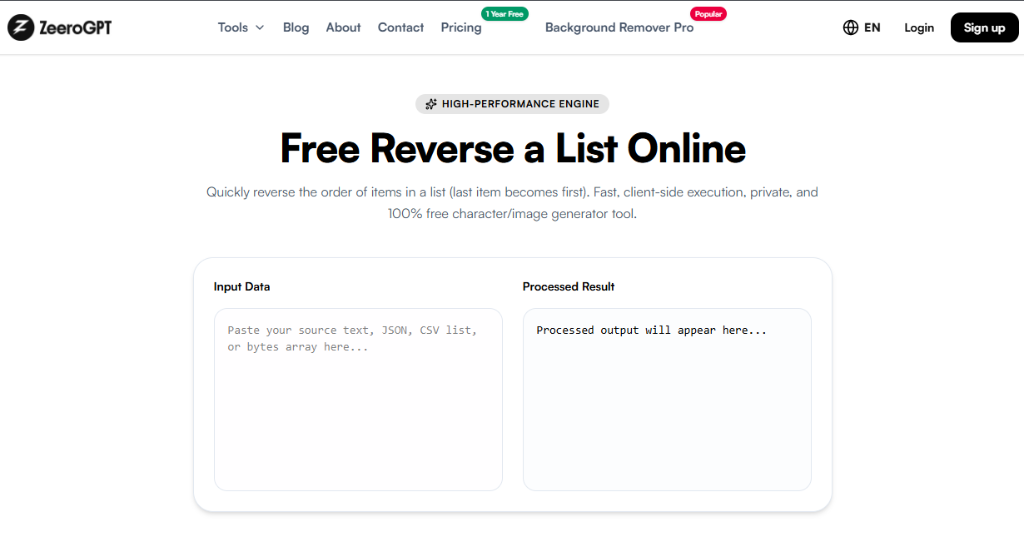
Quickly reverse the order of items in a list (last item becomes first). Fast, client-side execution, private, and 100% free character/image generator tool.
Processed output will appear here...
About Our Free Reverse List Online Utility
Working with long lists often requires changing their order without modifying the actual content. Whether you're reorganizing task lists, reversing rankings, flipping chronological records, or rearranging data for processing, manually moving every item can be slow and prone to mistakes.
The Zeerogpt Reverse List tool lets you instantly reverse the order of any list while keeping each item exactly the same. Simply paste your list, click a button, and receive the reversed version in seconds. It's a free, browser-based utility designed for developers, students, teachers, writers, data analysts, and business professionals.
What Is a Reverse List Tool?
A Reverse List tool flips the order of items in a multi-line list. The last item becomes the first, the first becomes the last, and every other item is reordered accordingly without changing the content of individual lines.
For example:
Input
Apple
Banana
Orange
Mango
Output
Mango
Orange
Banana
Apple
Only the sequence changes—the text on each line remains exactly the same.
Why Use a Reverse List Tool?
Reversing a list manually can be tedious, especially when working with dozens or hundreds of entries. A Reverse List tool helps you:
Reverse lists instantly
Save time
Avoid manual errors
Reorganize ranked data
Reverse chronological records
Prepare data for processing
Improve productivity
Features of the Zeerogpt Reverse List Tool
Instant List Reversal: Reverse the order of list items in just a few seconds.
Preserves Original Content: Only the position of each line changes. The content of every item remains unchanged.
Supports Large Lists: Works efficiently with name lists, product catalogs, task registers, keywords, CSV-style lines, log entries, and other large datasets.
Browser-Based Processing: No software installation or downloads required. Everything runs locally in your browser.
Free to Use: Access the tool anytime without creating an account.
Step-by-Step Guide: How to Use the Reverse List Tool
Step 1: Open the Zeerogpt Reverse List tool.
Step 2: Paste or type your list (e.g. HTML, CSS, JavaScript, Python, React) in the input box.
Saves Time: Reverse long lists instantly instead of manually rearranging items.
Reduces Errors: Automatic processing helps eliminate mistakes that can occur during manual editing.
Improves Organization: Quickly reorganize lists for reports, spreadsheets, presentations, and applications.
Preserves Data: Each line remains unchanged while only the order is reversed.
Works with Large Lists: Efficiently processes hundreds or thousands of list items.
Common Use Cases
Task Management: Reverse task lists to view the latest tasks first.
Software Development: Reverse configuration files, log entries, or exported datasets.
Data Analysis: Flip imported datasets before processing.
Education: Teachers can reverse student lists or presentation orders.
Business: Reverse customer records, inventory lists, or reports.
Content Management: Reorder article titles, keywords, playlists, or publishing schedules.
Best Practices
Place one item on each line.
Review the reversed list before exporting.
Keep a copy of the original list if needed.
Remove unnecessary blank lines before processing.
Use the reversed list in your target application after verifying the order.
Who Can Use the Reverse List Tool?
The Zeerogpt Reverse List tool is ideal for developers, students, teachers, writers, bloggers, SEO professionals, data analysts, project managers, business professionals, and anyone working with line-based lists.
Why Choose Zeerogpt Reverse List?
The Zeerogpt Reverse List tool is built for speed, simplicity, and reliability. Key advantages include free online access, instant list reversal, user-friendly interface, no registration required, browser-based operation, cross-device support, and capability to process both short and large lists.

 ZeeroGPT