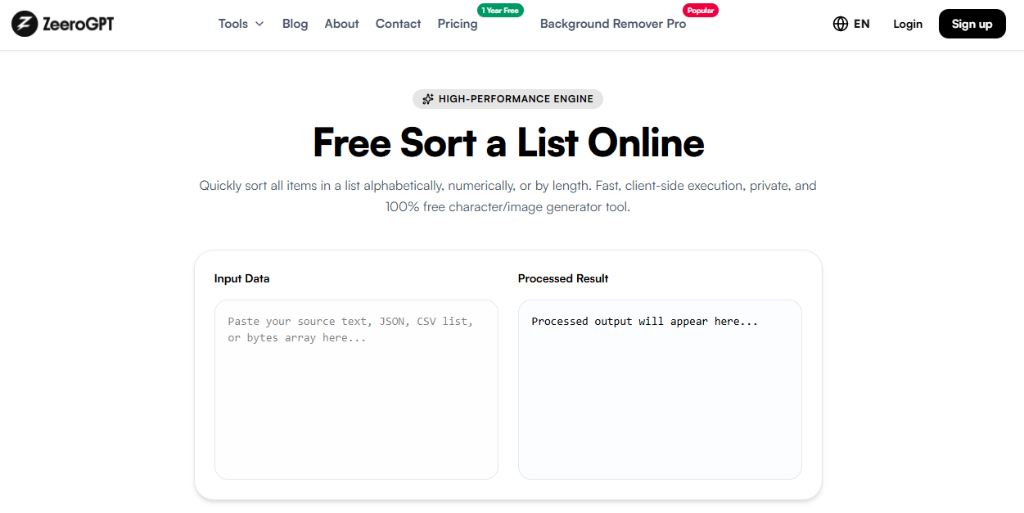
Quickly sort all items in a list alphabetically, numerically, or by length. Fast, client-side execution, private, and 100% free character/image generator tool.
Processed output will appear here...
About Our Free Sort List Online Utility
Keeping lists organized is essential when working with names, numbers, keywords, tasks, inventory, or datasets. Whether you're managing customer records, alphabetizing contacts, organizing product lists, or cleaning data for analysis, sorting manually can be slow and error-prone.
The Zeerogpt Sort List tool lets you instantly organize any list into your preferred order. Simply paste your list, choose the sorting method, and get perfectly sorted results in seconds. It's a fast, free, and browser-based solution for developers, students, writers, teachers, marketers, and business professionals.
What Is a Sort List Tool?
A Sort List tool automatically arranges a list of items according to selected rules. Depending on your needs, you can sort text alphabetically, numbers numerically, reverse the order, remove duplicates, or apply case-sensitive sorting. Modern online sorters also support natural sorting and multiple delimiters for greater flexibility.
For example:
Input
Banana
Apple
Orange
Mango
Output (A–Z)
Apple
Banana
Mango
Orange
Why Use a Sort List Tool?
Sorting long lists manually takes time and often leads to mistakes. A Sort List tool helps you:
Organize lists instantly
Save time
Improve data accuracy
Remove duplicates
Prepare data for reports
Clean spreadsheets
Increase productivity
Features of the Zeerogpt Sort List Tool
Instant List Sorting: Sort hundreds or thousands of list items within seconds.
Multiple Sorting Options: Choose from Alphabetical (A–Z), Reverse Alphabetical (Z–A), Numeric Sorting, Natural Sorting, and Reverse Order options.
Remove Duplicate Entries: Automatically eliminate repeated items while sorting to keep your list unique.
Case-Sensitive or Case-Insensitive Sorting: Choose whether uppercase and lowercase letters should affect the sorting order.
Fast Browser-Based Engine: No installation or software downloads required; everything runs securely in your local tab.
Step-by-Step Guide: How to Use the Sort List Tool
Step 1: Open the Zeerogpt Sort List tool.
Step 2: Paste your list into the input box (e.g. React, Angular, Vue, Svelte).
Saves Time: Sort large lists automatically instead of manually arranging them.
Improves Accuracy: Reduce human error when organizing data.
Cleans Data: Quickly remove duplicates and standardize list order.
Better Organization: Prepare lists for spreadsheets, databases, presentations, and reports.
Works with Large Lists: Efficiently processes extensive datasets without slowing down.
Common Use Cases
Data Cleaning: Organize imported datasets before analysis.
Spreadsheet Preparation: Sort rows of names, products, or inventory for Excel or Google Sheets.
Programming: Developers can organize configuration files, variable names, keywords, and datasets.
SEO: Sort keyword lists alphabetically for easier content planning.
Education: Teachers can alphabetize student names, grades, and assignments.
Business: Organize customer records, product catalogs, task lists, and reports.
Best Practices
Place one item per line.
Choose the correct sorting method for your data.
Remove duplicates if unique values are required.
Ignore case when capitalization isn't important.
Review the sorted output before exporting.
Who Can Use the Sort List Tool?
The Zeerogpt Sort List tool is perfect for developers, students, teachers, writers, bloggers, SEO professionals, data analysts, project managers, business professionals, and anyone working with lists.
Why Choose Zeerogpt Sort List?
The Zeerogpt Sort List tool is built to simplify data organization. Key advantages include free online access, instant sorting, multiple sorting methods, duplicate removal, user-friendly interface, no registration required, browser-based operation, and cross-device support.

 ZeeroGPT