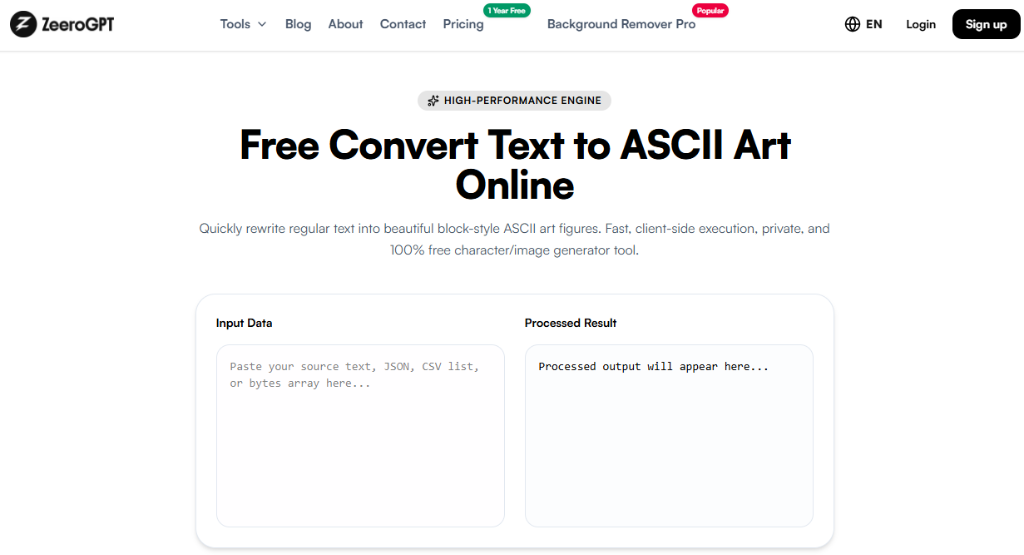
Quickly rewrite regular text into beautiful block-style ASCII art figures. Fast, client-side execution, private, and 100% free character/image generator tool.
Processed output will appear here...
About Our Free Text to ASCII Art Online Utility
Want to turn ordinary text into eye-catching ASCII art? Whether you're creating terminal banners, GitHub README headers, Discord messages, code comments, or retro-style designs, a Text to ASCII Art tool lets you transform plain text into large decorative text made entirely from keyboard characters.
The Zeerogpt Text to ASCII Art tool instantly converts your text into stylish ASCII art using multiple banner fonts. It's free, fast, and works directly in your browser—no software installation or programming knowledge required.
What Is a Text to ASCII Art Tool?
A Text to ASCII Art tool converts normal text into decorative artwork using printable ASCII characters such as letters, numbers, and symbols. Most modern generators use FIGlet fonts to create large, readable text banners that can be copied and pasted into terminals, documentation, chat applications, and websites.
The exact output depends on the selected ASCII font. FIGlet-compatible libraries map normal letters to pre-designed character blocks.
Why Use a Text to ASCII Art Tool?
Creating ASCII banners manually is difficult and time-consuming. A Text to ASCII Art tool helps you:
Generate stylish text banners instantly
Create GitHub README headers
Design terminal welcome screens
Decorate code comments
Make Discord and Slack messages stand out
Add retro styling to projects
Save time with automatic generation
Key Features of the Zeerogpt Text to ASCII Art Tool
Instant ASCII Art Generation: Convert plain text into large ASCII art within seconds.
Multiple Font Styles: Choose from various banner styles such as Standard, Big, Block, Doom, Slant, Shadow, Bubble, and 3D styles. Many generators use FIGlet-compatible fonts for these designs.
Easy Copy and Paste: Copy the generated ASCII art with one click.
Browser-Based Tool: No installation or software downloads required.
Free to Use: Generate unlimited ASCII banners without creating an account.
Fast Processing: Instantly create ASCII art for words, names, titles, and short phrases.
Step-by-Step Guide: How to Use the Text to ASCII Art Tool
Step 1: Open the Zeerogpt Text to ASCII Art tool.
Step 2: Type or paste your text (e.g., Welcome).
Step 3: Choose your preferred ASCII font style.
Step 4: Click the Generate ASCII Art button.
Step 5: Copy and paste the generated artwork wherever you need it.
Terminal Header: A large multi-line ASCII banner suitable for command-line applications and README files.
Discord Banner: A decorative ASCII heading that can be pasted into Discord or other text-based platforms.
Benefits of Using the Tool
Saves Time: Generate professional-looking ASCII banners instantly instead of designing them manually.
Improves Project Presentation: Enhance README files, terminal applications, and documentation with eye-catching headings.
Easy Sharing: Since ASCII art is plain text, it can be copied and pasted into many applications without needing image files.
No Graphic Design Skills Required: Create impressive text art with just a few clicks.
Works Across Multiple Platforms: ASCII art can be used in terminals, documentation, messaging apps, forums, and code editors.
Common Use Cases
GitHub README Files: Create attractive project titles and section headers.
Terminal Applications: Display startup banners for command-line tools and scripts.
Programming: Add decorative comments and headings to source code.
Discord and Slack: Share creative ASCII text in chats and community servers.
Social Media: Create retro-inspired text posts and banners.
Learning ASCII Art: Experiment with classic computer text graphics and typography.
Best Practices
Keep your text short for cleaner banners.
Choose a font style that matches your project.
Preview the output before copying.
Test the banner in your target application.
Use monospace fonts when displaying ASCII art for proper alignment.
Who Can Use the Text to ASCII Art Tool?
The Zeerogpt Text to ASCII Art tool is perfect for developers, students, designers, content creators, open-source contributors, DevOps engineers, bloggers, gamers, teachers, and anyone who enjoys creative text formatting.
Why Choose Zeerogpt Text to ASCII Art?
The Zeerogpt Text to ASCII Art tool is designed for speed, simplicity, and flexibility. Key advantages include free online access, multiple ASCII font styles, instant generation, easy copy-and-paste functionality, no registration required, browser-based operation, and cross-device support.

 ZeeroGPT