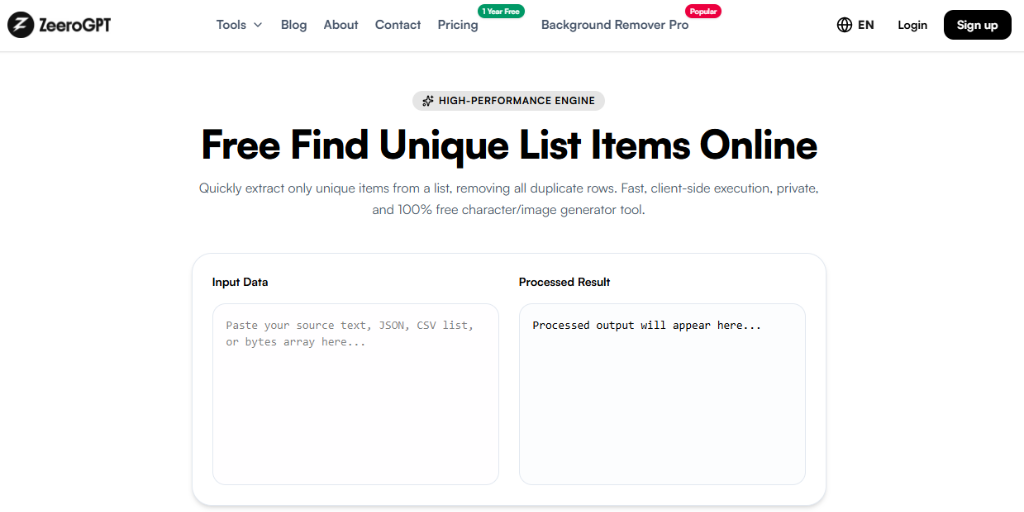
Quickly extract only unique items from a list, removing all duplicate rows. Fast, client-side execution, private, and 100% free character/image generator tool.
Processed output will appear here...
About Our Free Unique List Items Online Utility
Duplicate entries can make lists difficult to manage, analyze, and organize. Whether you're working with email addresses, keywords, product names, customer records, or programming data, identifying unique items is essential for maintaining clean and accurate datasets.
The Zeerogpt Unique List Items tool helps you instantly find and extract unique items from any list. Simply paste your data, and the tool identifies distinct entries while filtering out duplicates. It's a free, browser-based solution for developers, students, teachers, marketers, writers, researchers, and business professionals.
What Is a Unique List Items Tool?
A Unique List Items tool analyzes a list and returns only distinct entries by identifying repeated values. Depending on the available options, it may also display duplicate counts, occurrence statistics, or allow case-sensitive comparisons. This makes it ideal for cleaning data and preparing organized lists.
For example:
Input
Apple
Banana
Apple
Orange
Banana
Mango
Output
Apple
Banana
Orange
Mango
Each unique item appears only once in the final output.
Why Use a Unique List Items Tool?
Manually finding unique entries in a long list can be slow and error-prone. A Unique List Items tool helps you:
Find unique values instantly
Remove duplicate entries
Clean imported datasets
Improve data accuracy
Prepare spreadsheets
Organize keyword lists
Save valuable time
Features of the Zeerogpt Unique List Items Tool
Instant Duplicate Detection: Identify unique values within seconds.
Remove Duplicate Items: Keep only one occurrence of each item while removing repeated entries.
Supports Multiple List Formats: Works with lists separated by line breaks, commas, tabs, spaces, or custom delimiters.
Handles Large Lists: Efficiently processes thousands of entries.
Case-Sensitive or Case-Insensitive Matching: Choose whether items like "Apple" and "apple" should be treated as different values.
Browser-Based Tool: No downloads or software installation required. Everything runs locally in your browser.
Free to Use: Access the tool anytime without registration.
Step-by-Step Guide: How to Use the Unique List Items Tool
Step 1: Open the Zeerogpt Unique List Items tool.
Step 2: Paste your list (e.g. React, Angular, React, Vue, Angular, Svelte) into the input box.
Step 3: Select your preferred comparison options if available.
Cleans Your Data: Remove repeated entries from lists with a single click.
Improves Accuracy: Ensure reports, databases, and spreadsheets contain only unique values.
Saves Time: Automatically detect duplicates instead of reviewing data manually.
Better Organization: Create clean lists that are easier to sort, search, and analyze.
Works with Large Datasets: Quickly process extensive lists without slowing down.
Common Use Cases
Email List Cleanup: Remove duplicate email addresses before sending newsletters.
SEO: Create clean keyword lists by eliminating repeated phrases.
Programming: Deduplicate configuration files, IDs, API responses, or log entries.
Spreadsheet Management: Prepare Excel or Google Sheets data before analysis.
Education: Remove duplicate student names or assignment entries.
Business: Clean customer records, inventory lists, product catalogs, and reports.
Best Practices
Place one item per line whenever possible.
Remove unnecessary blank lines before processing.
Choose case-sensitive matching only when capitalization matters.
Review the final list before exporting.
Keep a backup of the original data if needed.
Who Can Use the Unique List Items Tool?
The Zeerogpt Unique List Items tool is ideal for developers, students, teachers, writers, bloggers, SEO professionals, data analysts, researchers, business professionals, and anyone managing lists.
Why Choose Zeerogpt Unique List Items?
The Zeerogpt Unique List Items tool is designed for speed, accuracy, and simplicity. Key advantages include free online access, instant duplicate removal, accurate unique item detection, user-friendly interface, no registration required, browser-based operation, and cross-device support.

 ZeeroGPT